
Key Takeaways
- Apple Watch helps establish consistent sleep patterns through tracking and reminders
- Regular use provides personalized insights into sleep quality over time
- Combine device data with good sleep hygiene practices for best results
- Check sensor placement and settings regularly to ensure accurate tracking
How Apple Watch Tracks Sleep Patterns
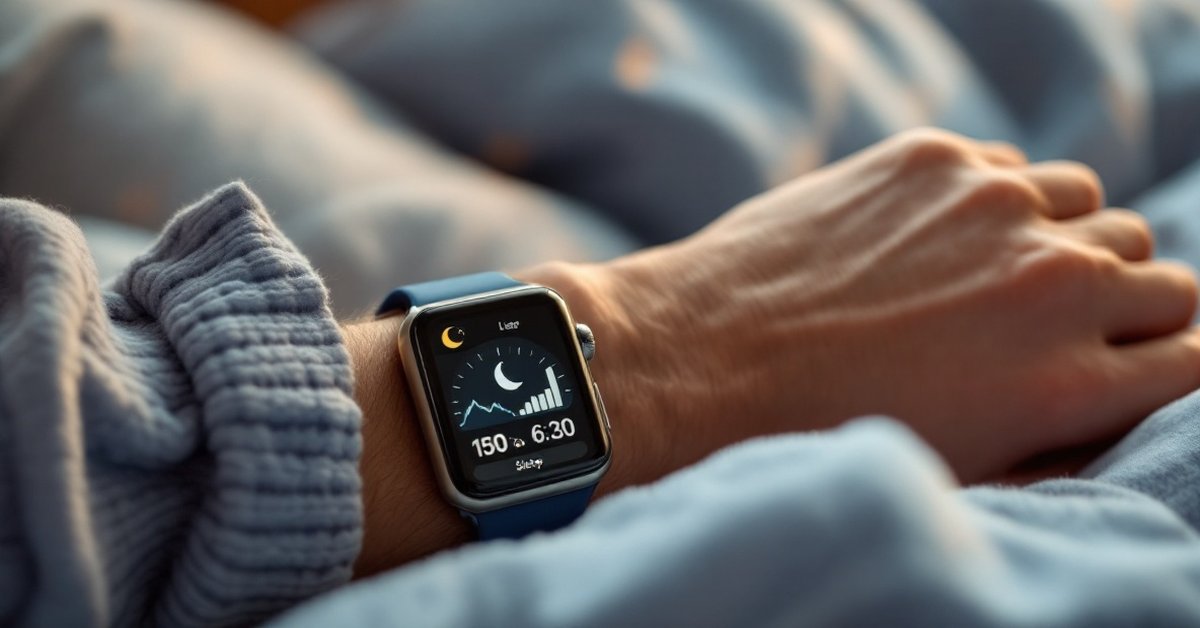
Apple Watch uses advanced sensors and intelligent algorithms to track your sleep patterns, offering insights into your sleep quality and consistency. By combining motion monitoring through its accelerometer, heart rate tracking via optical sensors, and integration with the iPhone’s Sleep app, it creates a comprehensive sleep profile that helps users understand their nightly rest cycles.
Understanding Sleep Stages Monitored
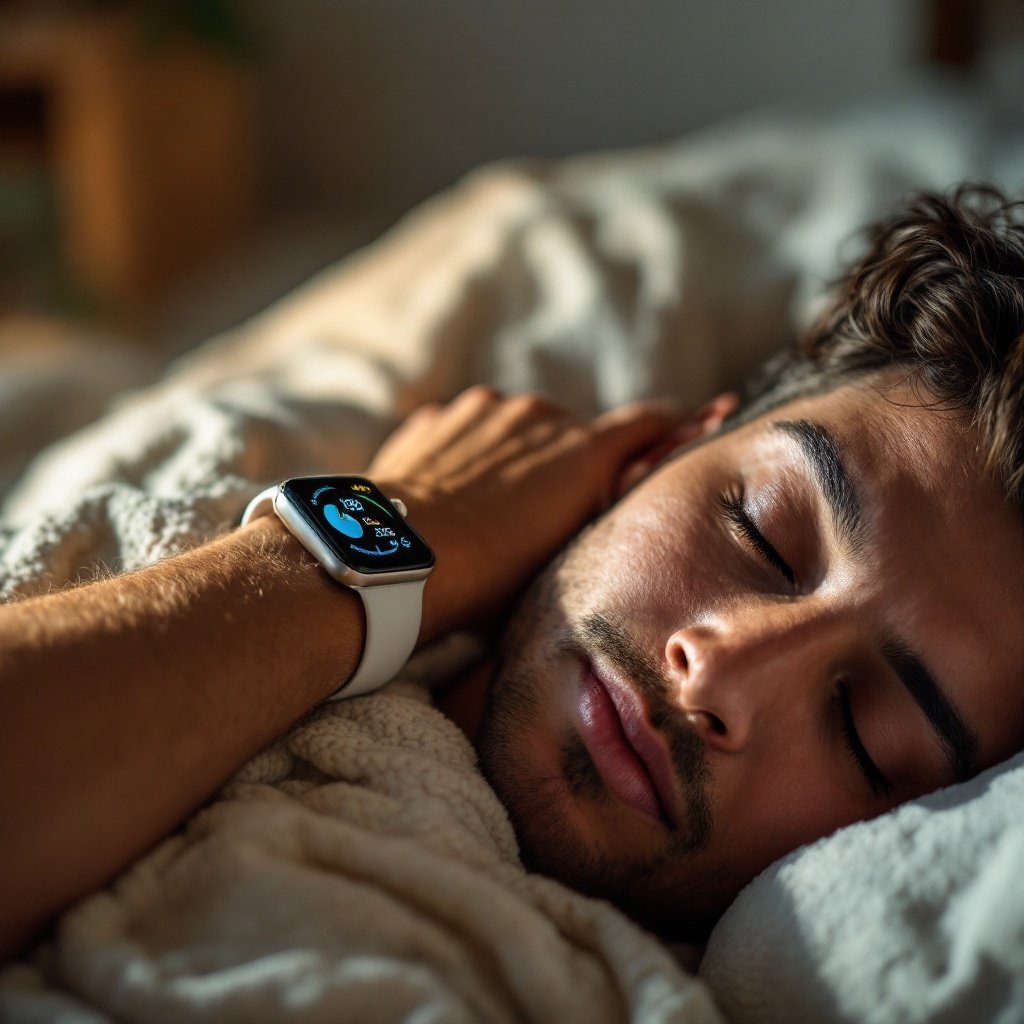
The Apple Watch estimates different sleep stages—light, deep, and REM (rapid eye movement) sleep—by analyzing movement and heart rate variability. Light sleep dominates the first half of the night, deep sleep supports physical recovery, and REM sleep contributes to cognitive restoration. While it doesn’t use EEG technology like clinical sleep labs, the watch’s machine learning models correlate physiological data to provide reasonably accurate stage estimates.
According to a 2021 study published in npj Digital Medicine, wearable devices like the Apple Watch demonstrated reasonable accuracy for detecting sleep stages compared to polysomnography, though with less precision than medical-grade equipment. For general health tracking, this information remains valuable for identifying trends in sleep patterns.
Role of Heart Rate and Movement Sensors
The Apple Watch relies on two primary sensors to monitor sleep: the accelerometer detects body movement, while the photoplethysmogram (PPG) sensor measures heart rate and variability. During sleep, reduced movement and lower heart rate patterns signal transitions between wakefulness and various sleep stages. The device records these metrics throughout the night to create a detailed sleep history.
The watch also considers respiratory rate changes, although this feature became more refined with recent models like the Series 8 and Ultra. Consistent sensor placement—ensuring the watch sits snugly but comfortably on the wrist—is crucial for accurate readings. Users should periodically check contact points to maintain optimal skin sensor performance.
Integration with iPhone’s Sleep App
Apple Watch works seamlessly with the Sleep app on iPhone (available with iOS 14 and later) to provide consolidated sleep tracking. The iPhone app allows users to set personalized sleep goals, establish bedtime routines, and view detailed sleep trends in the Health app. This integration enables cross-device synchronization, ensuring comprehensive data collection even when the watch battery depletes overnight.
For those who occasionally forget to wear their watch to bed, the iPhone’s microphone can detect ambient noise to supplement sleep environment analysis. However, continuous usage of the watch is recommended for most accurate physiological measurements. The Sleep app also generates weekly summaries, showing consistency patterns that help identify factors affecting sleep quality.
Setting Up Your Sleep Schedule in the Watch App
Step-by-Step Setup Guide
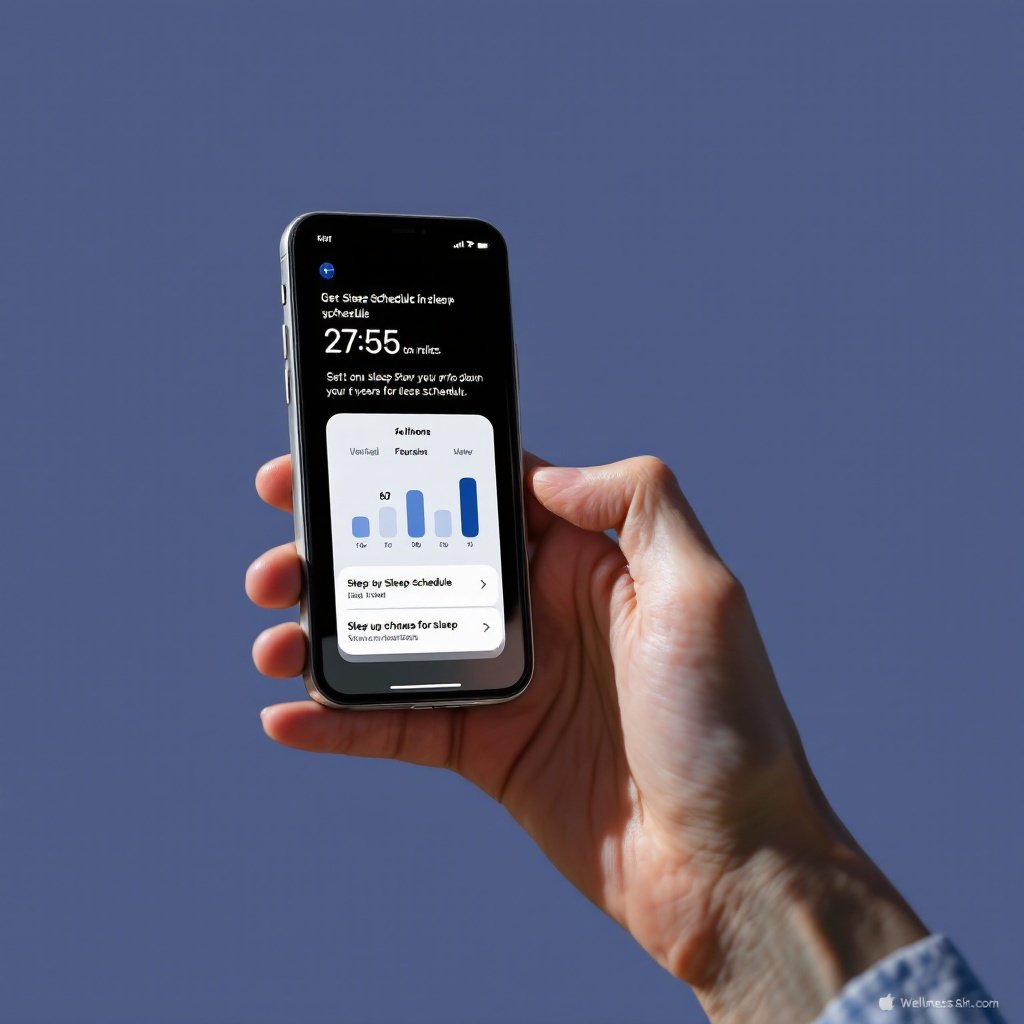
Establishing a sleep schedule through Apple Watch requires setup within the iPhone’s Sleep app before syncing with the watch. Begin by opening the Clock app on iPhone (or Sleep app in iOS 16+), then navigate to the Sleep tab. Tap “Get Started” and input desired bedtimes and wake-up times across seven days.
Selecting the “Custom” option lets users set different schedules for weekdays and weekends. After confirming preferences, the app automatically transfers settings to the Apple Watch via Bluetooth connection. To verify proper setup, open the Sleep app on the watch, where the schedule should appear under daily summaries.
Creating Custom Sleep Goals
While experts recommend 7–9 hours of sleep for adults 40+, individual needs vary based on lifestyle, activity levels, and health status. The Apple Watch allows customization of sleep goals between 4–10 hours per night. Through the iPhone Sleep app, users can adjust target durations, add time for pre-sleep wind-down periods, and set power-down schedules for enhanced sleep hygiene.
Research from the National Sleep Foundation emphasizes the importance of consistent sleep duration for cardiovascular health and cognitive function in middle-aged adults. By establishing realistic, personalized goals, the watch provides gradual adjustments toward healthier sleep patterns rather than abrupt changes that may cause stress.
Enabling Bedtime Reminders
The Apple Watch reinforces sleep schedules through gentle reminders when approaching bedtime. These notifications appear as haptic taps and visual alerts 10–15 minutes before scheduled bedtime. Users can snooze for 15 minutes or dismiss the reminder through the watch interface.
Complementing these alerts, the iPhone’s Wind Down feature can dim the screen, activate grayscale mode, or launch meditation apps at bedtime. Customizing these preferences within the Sleep app enhances consistency in establishing pre-sleep routines, which contributes significantly to maintaining circadian rhythm stability.
Benefits of Consistent Sleep Tracking
Daily sleep tracking with Apple Watch offers multiple benefits beyond basic duration monitoring. Over time, accumulated data reveals patterns that may correlate with lifestyle factors, stress levels, or health changes. This continuous monitoring helps users identify effective bedtime strategies and recognize detrimental habits affecting sleep quality.
Regular tracking fosters awareness of sleep consistency, which the CDC identifies as a critical component of overall sleep health. For adults 40+, maintaining regular sleep-wake times supports metabolic regulation, memory consolidation, and emotional well-being. The watch’s ability to detect subtle changes in heart rate variability during sleep also provides indirect insights into stress recovery and autonomic nervous system balance.
Tips for Improving Sleep Hygiene with Apple Watch
Using Wind Down Features
Apple Watch integrates with the iPhone’s Wind Down mode to promote better sleep preparation. Users can schedule this mode to activate before bedtime, cueing the watch face to simplify display and launch calming apps. Consider pairing guided breathing exercises, white noise generators, or sleep-specific playlists during this period.
The watch also provides gentle haptic reminders if users engage with stimulating content on their iPhone near bedtime. By syncing with Screen Time settings, it encourages digital detoxing—reducing blue light exposure that disrupts melatonin production. These environmental adjustments make transition to sleep smoother and more intentional.
Monitoring Pre-Sleep Activity
Physical activity impacts sleep quality, particularly for older adults. Apple Watch tracks pre-bedtime movement through its Activity rings, showing how late exercise affects sleep stages. Research in Frontiers in Aging Neuroscience suggests moderate evening exercise improves sleep efficiency for middle-aged individuals, though intense workouts within two hours of bedtime may disrupt rest.
Using the watch’s sleep tracking feature alongside activity data helps identify optimal workout windows. The Bedtime view in the Health app reveals how late-night exercise correlates with sleep onset latency and restlessness. Consider reviewing these connections weekly to refine both exercise and sleep schedules accordingly.
Leveraging Sleep Mode Notifications
Sleep Mode in Apple Watch (available with watchOS 8+) optimizes the device during nighttime hours. The watch dims the display, hides notifications, and activates Do Not Disturb to minimize disruptions. However, it still records critical sleep metrics and allows users to access alarms silently through haptic vibrations.
Customizing Sleep Mode through the iPhone’s Sleep app determines which notifications get delivered in the morning. This feature balances necessary alerts with sleep continuity preservation, particularly important for users managing health conditions. The morning summary provides a gentle interface for reviewing sleep results without abrupt stimulation.
Troubleshooting Sleep Data Accuracy
Inconsistent sleep recordings may occur due to improper device placement, infrequent software updates, or interference from other wearable accessories. Ensuring the Apple Watch sits securely against the wrist throughout the night proves essential—consider adjustable loop straps or medical bands designed for overnight wear.
For persistent data issues, re-calibrate the watch by updating to the latest watchOS version, restarting both devices, and verifying Health app permissions. Resetting the Sleep app settings while retaining historical data can resolve sync problems without losing progress. If sleep stages consistently show irregularities, compare findings with other tracking methods like Oura Ring or Fitbit to validate patterns.
Remember that Apple Watch works best as a pattern-identification tool rather than diagnostic equipment. While it cannot detect sleep apnea or other disorders definitively, significant night-to-night variability in heart rate or oxygen levels may warrant professional evaluation. Always consult your healthcare provider for persistent sleep disturbances or suspected health conditions.
FAQ
Can Apple Watch track my sleep stages accurately?
Apple Watch uses motion and heart rate data to estimate sleep stages. While not medical-grade, it provides general insights into light, deep, and REM sleep patterns.
How do I set a consistent sleep schedule on Apple Watch?
Create bedtime routines in the Clock app on iPhone or use the dedicated Sleep app to establish regular sleep goals and receive reminders.
Does sleep tracking work on all Apple Watch models?
Sleep tracking requires Apple Watch Series 4 or later. Older models lack the necessary sensors and software capabilities for overnight monitoring.
Can Apple Watch help with insomnia issues?
While Apple Watch isn’t a medical solution, tracking sleep patterns may help identify habits affecting sleep quality. Consult your doctor for persistent insomnia.
Key Takeaways
The Apple Watch serves as a comprehensive tool for optimizing sleep schedules through consistent monitoring and intelligent feedback. By understanding how it tracks sleep stages via heart rate and movement sensors, users can establish personalized routines that align with their unique biological rhythms. Regular data collection reveals patterns in sleep quality, offering opportunities to refine bedtime habits and improve overall rest.
Proper setup of sleep goals and reminders through the Watch and iPhone apps creates structure for consistent sleep-wake cycles—a critical factor in maintaining health after 40. Combining device features with proven sleep hygiene practices enhances these benefits, while occasional cross-referencing with alternative tracking methods maintains perspective. Remember to consult healthcare professionals for ongoing concerns, using the Apple Watch as one component of a broader wellness strategy.
Frequently Asked Questions
Can Apple Watch track my sleep stages accurately?
Apple Watch uses motion and heart rate data to estimate sleep stages. While not medical-grade, it provides general insights into light, deep, and REM sleep patterns.
How do I set a consistent sleep schedule on Apple Watch?
Create bedtime routines in the Clock app on iPhone or use the dedicated Sleep app to establish regular sleep goals and receive reminders.
Does sleep tracking work on all Apple Watch models?
Sleep tracking requires Apple Watch Series 4 or later. Older models lack the necessary sensors and software capabilities for overnight monitoring.
Can Apple Watch help with insomnia issues?
While Apple Watch isn’t a medical solution, tracking sleep patterns may help identify habits affecting sleep quality. Consult your doctor for persistent insomnia.
Disclaimer: This article is for informational purposes only and does not constitute medical advice. Always consult a qualified healthcare provider before making changes to your health regimen.